
Control your shades from your phone
Every shade comes with a remote. Add the app and you can run them from anywhere in the world, or set a schedule and let them run themselves.
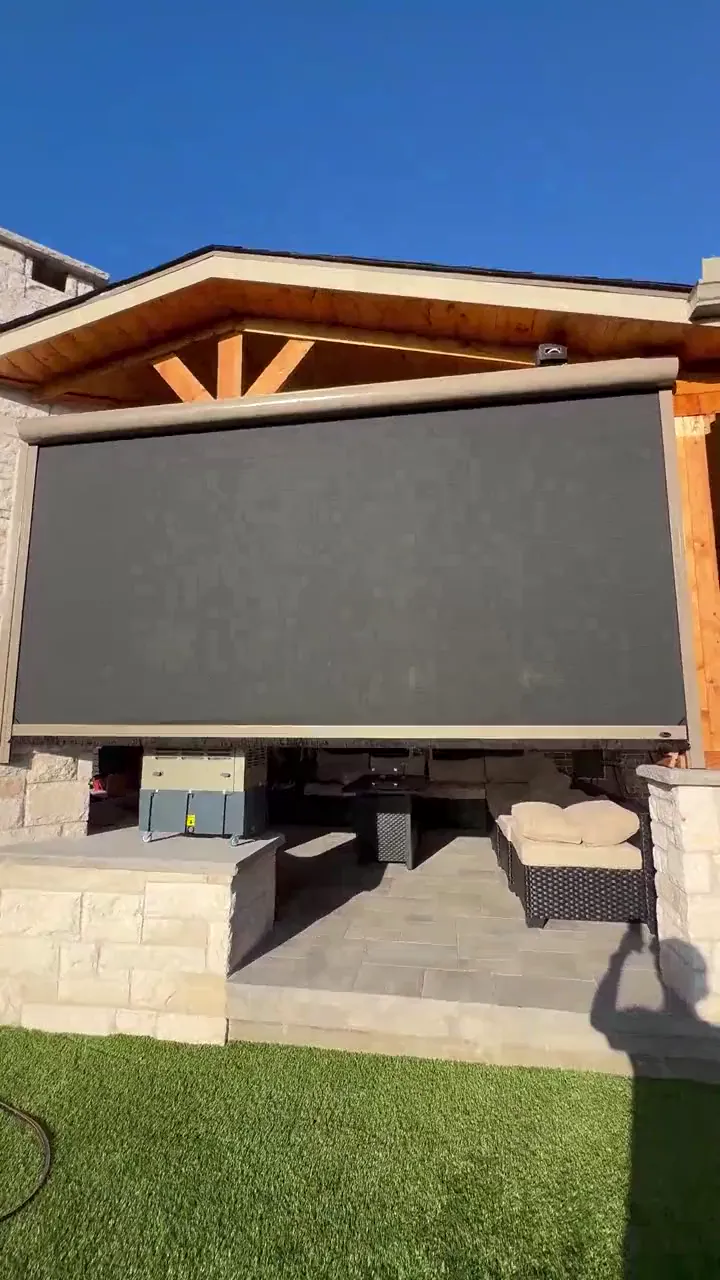
Prosper patio, shade rising
Three ways to run them
See all our patio shadesRemote
Every shade comes with one. Press a button and the shade goes up or down, with nothing to set up.
App
A small Wi-Fi bridge plugs in and joins your home Wi-Fi. Then you run every shade from your phone, with scenes and schedules.
Smart home
Depending on the system selected, shades can also integrate with popular smart home platforms. Ask at your consultation what fits your setup.
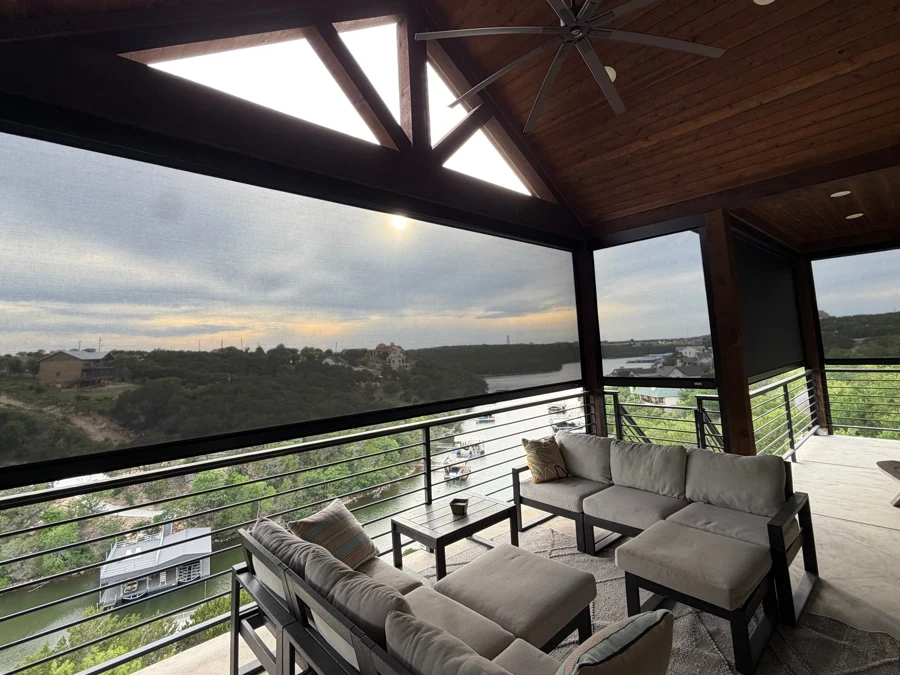
Set it once
Set a scene or schedule once and your shades follow it. You can use sunrise and sunset triggers, seasonal scenes and partial positions.
Sunrise
One of our team members has an automation set to raise the shades about four feet so the dogs can get out to the yard.
Summer afternoon
The shades come down when the sun swings around to the patio.
Sunset
A sunset trigger lowers the shades as the day winds down, for privacy or to keep bugs out at dusk.
Winter morning
The shades go up to let the sun in.
Setting it up
Here is the whole routine: plug it in, press one button on the shade, and you're set.
Customers typically set it up themselves.
- 01
Plug it in
Plug the Wi-Fi bridge into an outlet.
- 02
It joins your Wi-Fi
The bridge connects to your home Wi-Fi.
- 03
Press one button
Press one button on each shade to pair it.
Power options
Shades can be plugged in or hardwired. When you are building, they can be hardwired so the power and wiring are concealed.
Building a new home or patio?Solar-powered motors are available for some openings, but not for large ones.
Quick questions
Do I have to use the app?
No. Every shade comes with a remote, and the app is optional. It adds scenes, schedules and control from anywhere.
Will it work with my smart home system?
Depending on the system selected, shades can also integrate with popular smart home platforms. We will confirm what fits your setup at your consultation.
What if the remote or app is acting up on shades I already have?
Our Service & Maintenance page covers the basics, and you can request service there.
Tell us about your project
We take photos, put real time into your design, and most quotes go out the same day, often with a rendering. There's no pressure to sign on the spot.
Monday to Friday, 8 AM to 5 PM. Saturday appointments on request.